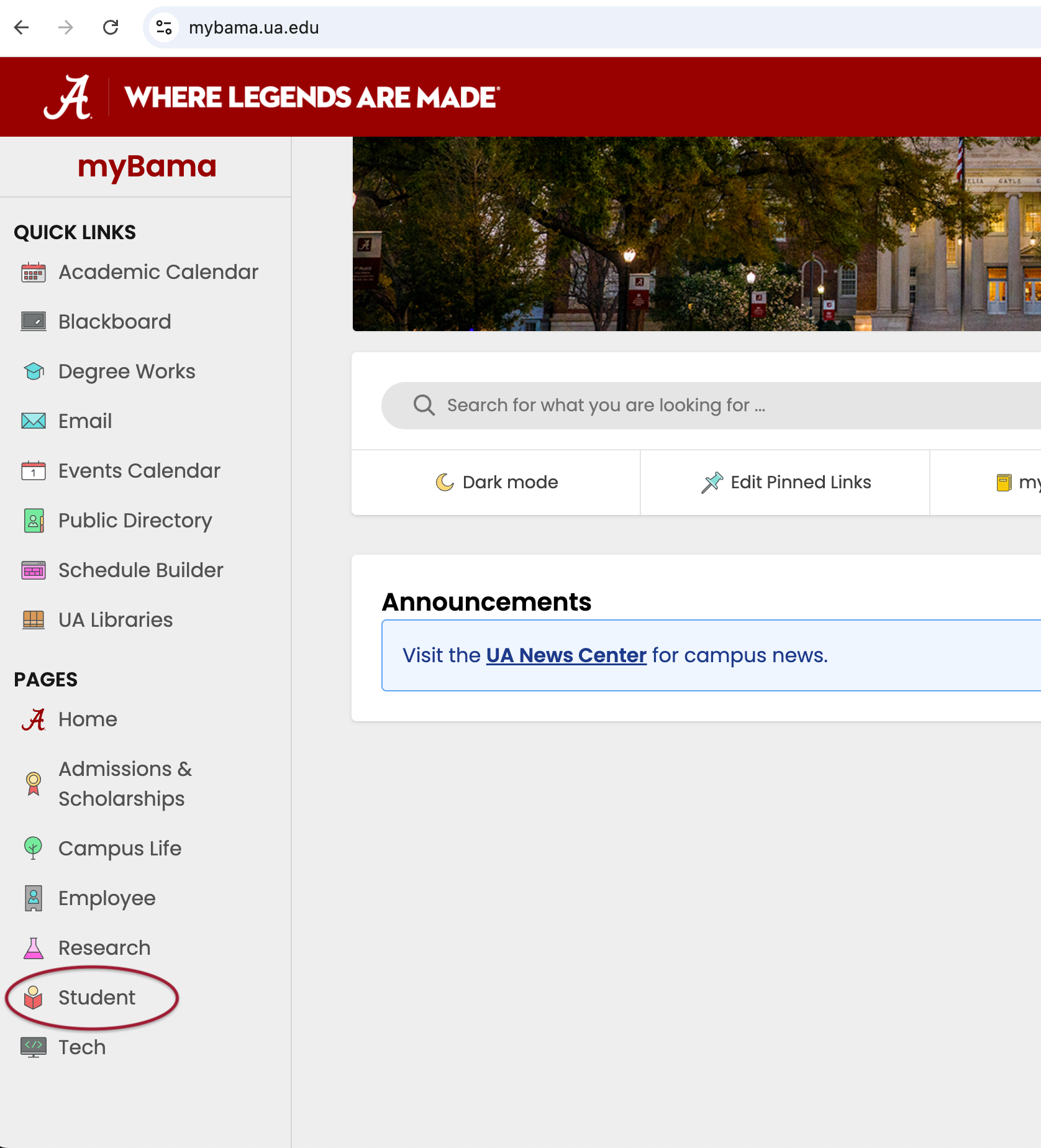
Step 1 – Log into myBama.
Select “Student” from the left-hand Pages menu.
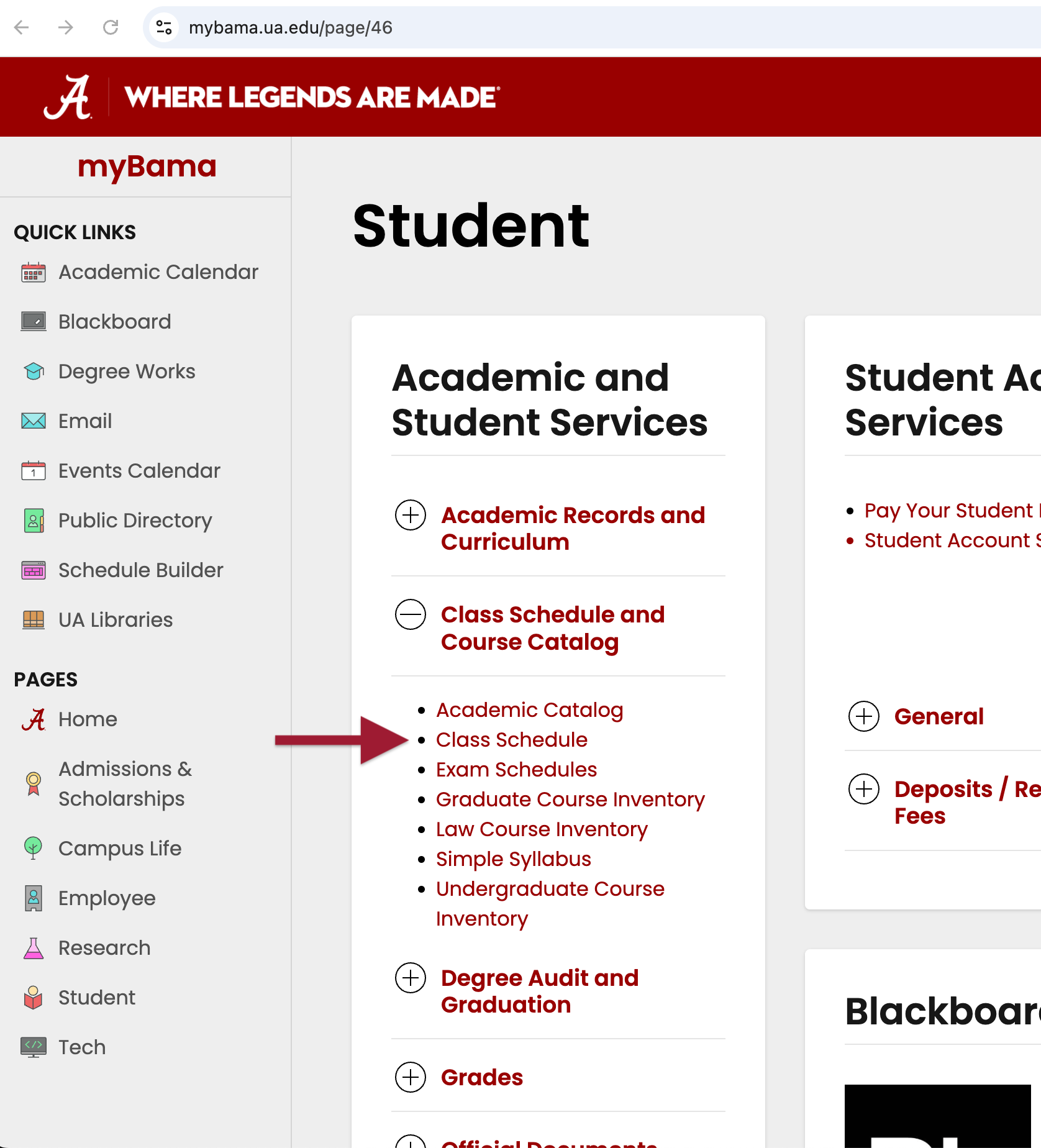
Step 2 – Locate the Academic and Student Services block.
- Select the + next to Class Schedule and Course Catalog.
- Select “Class Schedule” in the list.
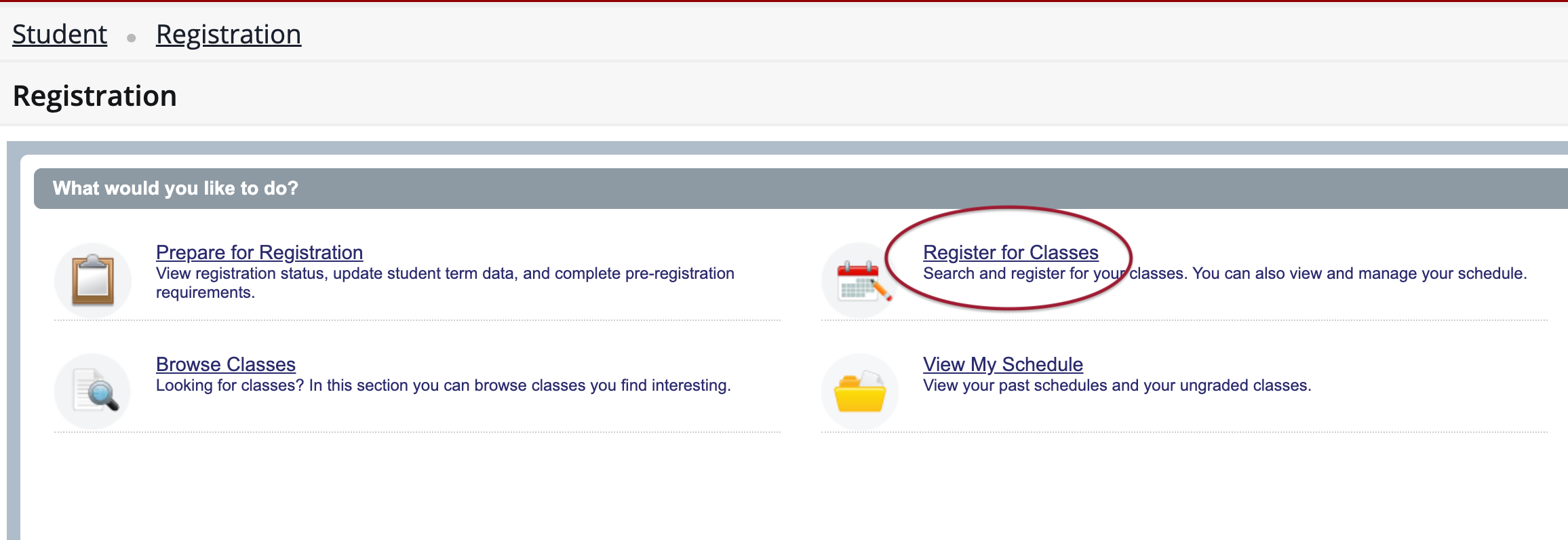
Step 3 – Select “Register for Classes” in the new window.
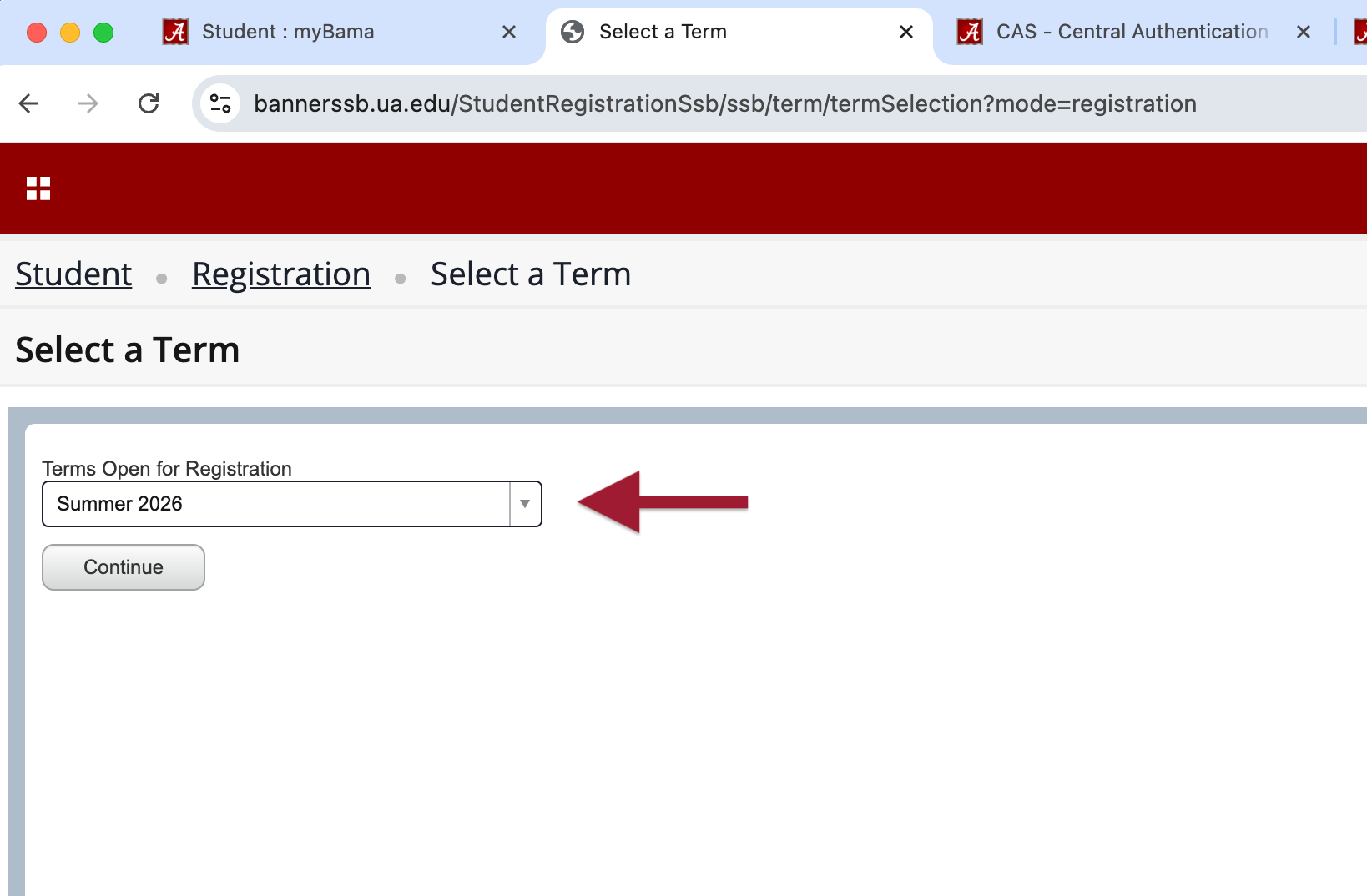
Step 4 – Select the term you wish to register for.
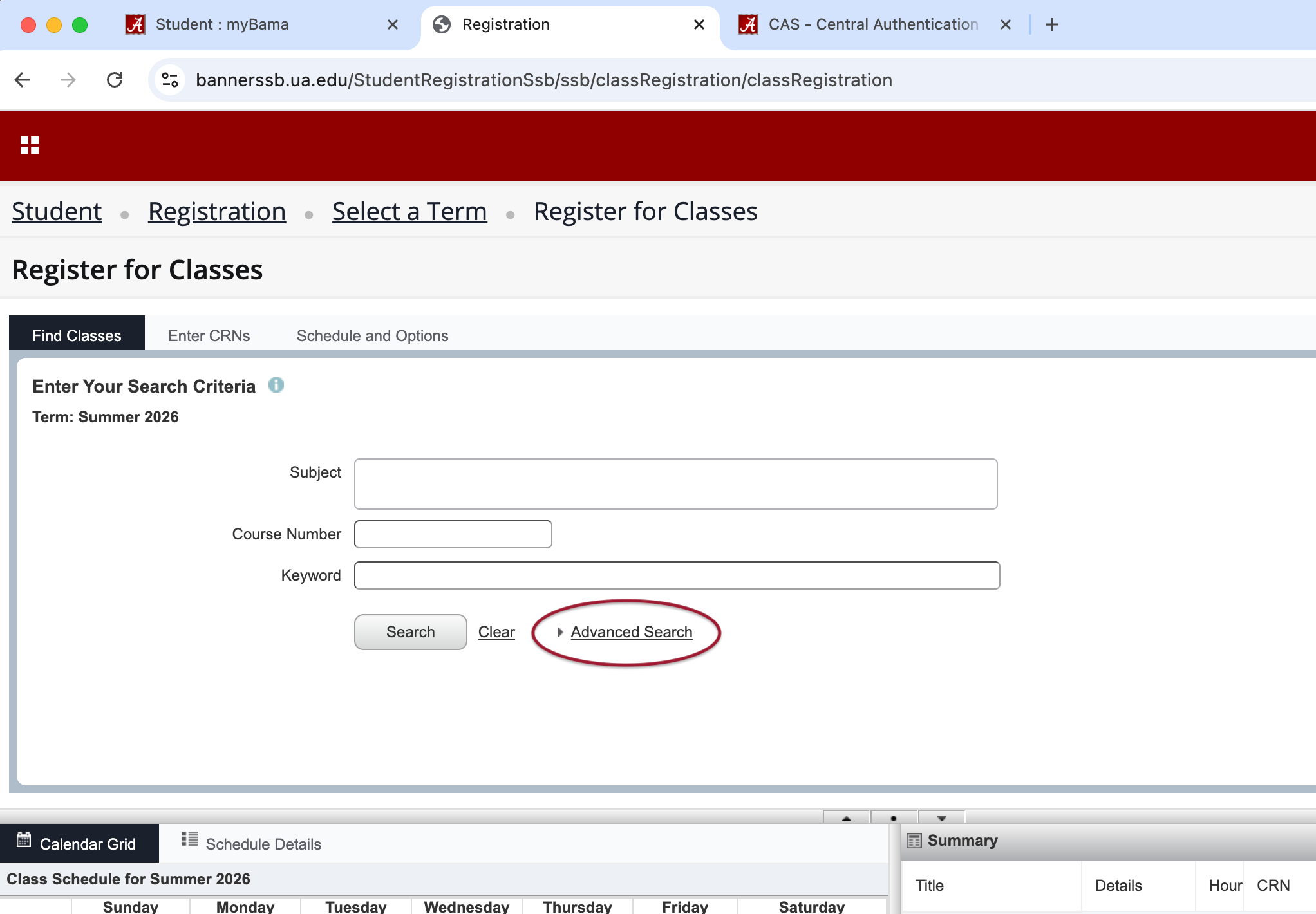
Step 5 – Select “Advanced Search.”
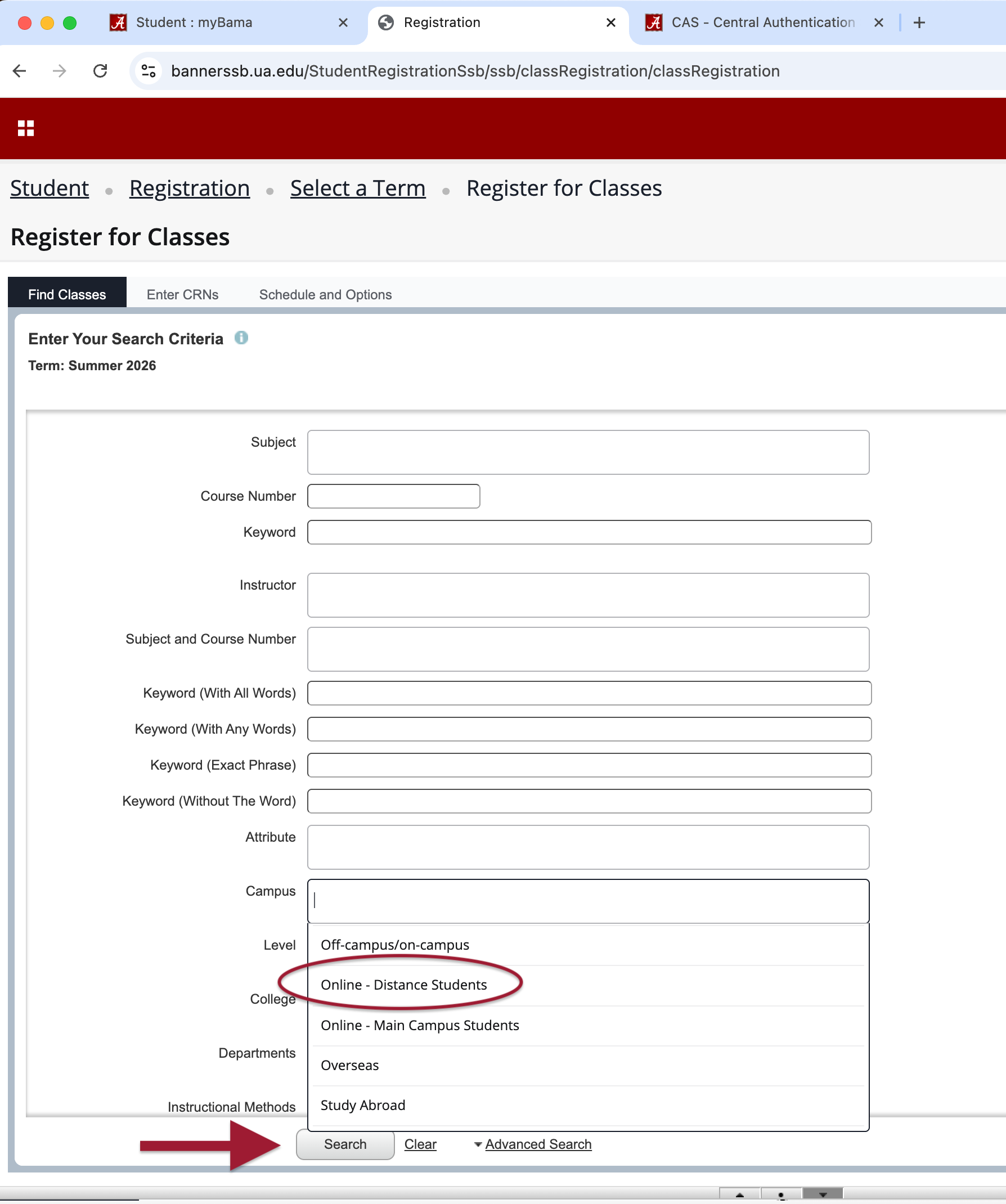
Step 6 – Narrow your search.
- In the Campus box, choose “Online – Distance Students.”
- Further filter by subject, level, course number, etc.
- Select “Search” at the bottom to pull the available courses.
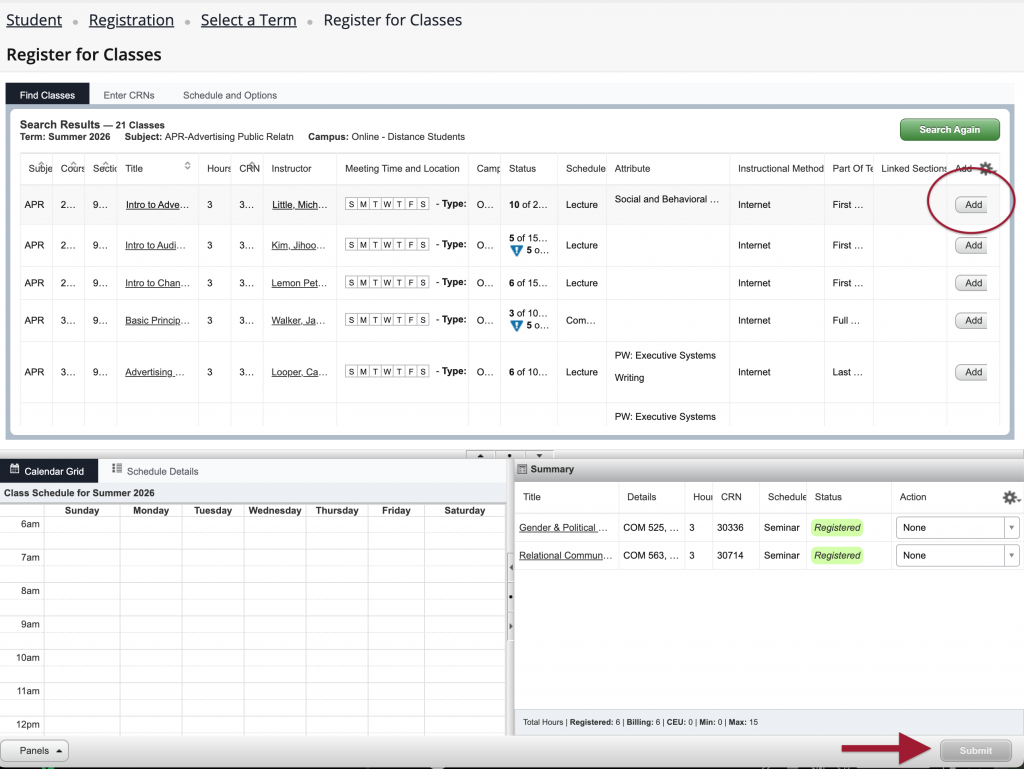
Step 7 – Add your courses.
- Review the courses for the ones you need to take.
- Select “Add” for each course you want to register for in the selected semester.
- Review your selected courses in the Summary box.
- Select “Submit” to update your course registration.